
Target a LinkedIn page post by language from Notion
Does your LinkedIn page speak to an international audience? With Scheduled, you can publish a French and an English version of the same post, and each one only shows up for followers who use LinkedIn in that language. It all happens in Notion, with a single property.
How it works
LinkedIn uses each follower's interface language, meaning the language they use the LinkedIn app in. A post targeted to EN shows up for followers who use LinkedIn in English, whatever their country.
Step 1: Add the sc_language property
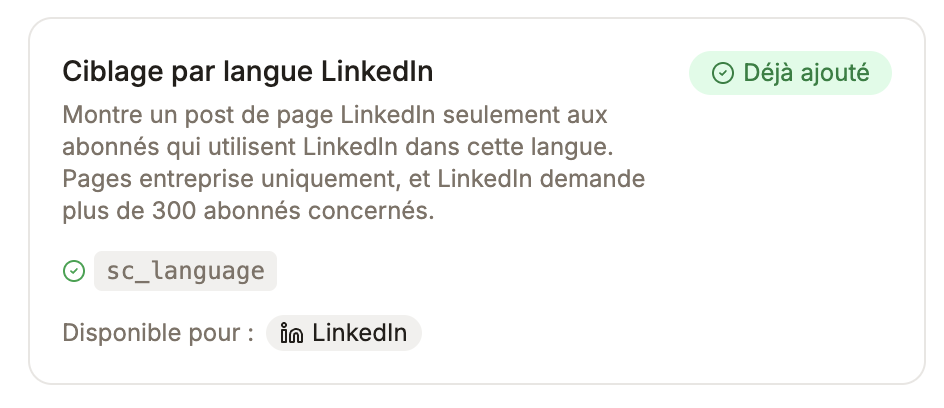
- In Scheduled, open your calendar and go to Notion features.
- On LinkedIn language targeting, click Add to Notion.
Scheduled creates the sc_language property (type: Select) in your Notion database, with the options FR, EN, DE, ES, IT, PT and NL.
Step 2: Create one card per language
For the same post in French and English:
- Card 1: the French text in the card body, sc_language = FR
- Card 2: the English text in the card body, sc_language = EN
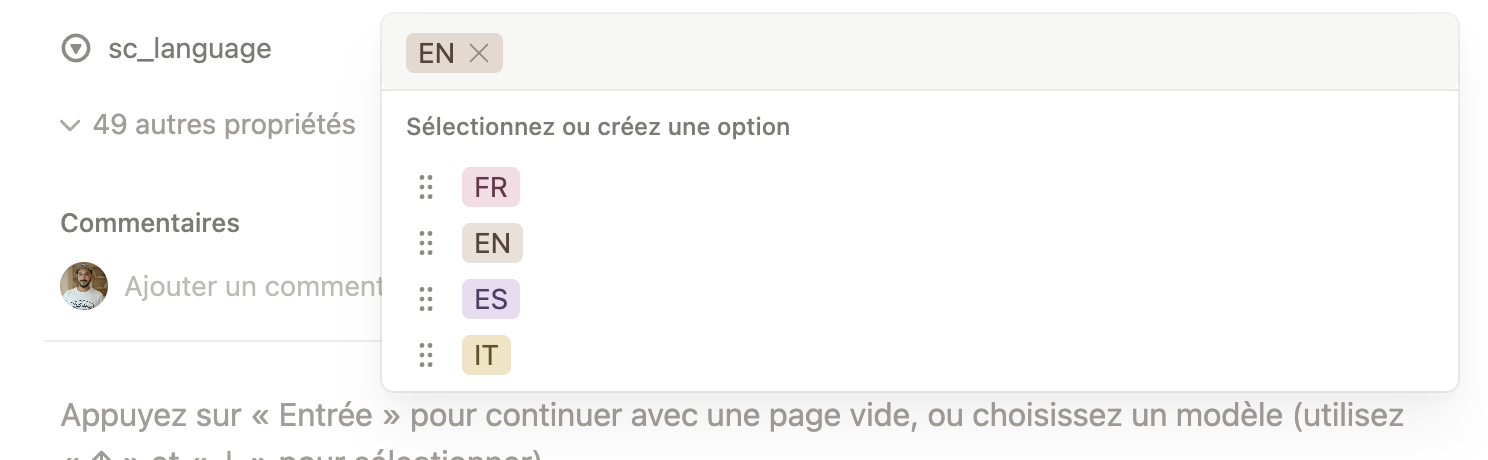
Pick your LinkedIn page in the connection property of both cards, then schedule them as usual (same date or different ones, your call).
If you leave sc_language empty, the post goes out to all your followers, just like before.
LinkedIn's limits
- Company pages only. If a card also targets a personal profile, the post goes out on the profile without targeting.
- More than 300 followers per language. LinkedIn rejects a targeted post if the chosen language covers 300 followers or fewer on your page. For example, if fewer than 300 of your followers use LinkedIn in English, the EN version will be rejected. In that case, leave sc_language empty on that card to publish it to everyone.
Troubleshooting
If something gets in the way, Scheduled leaves a comment on your Notion card.
"The sc_language property has a value Scheduled does not understand"
The selected value isn't a recognized language. Use one of the suggested options (FR, EN, DE, ES, IT, PT, NL) or clear the property.
"Language targeting (sc_language) only works on LinkedIn company pages"
The card isn't connected to any LinkedIn page. Pick your company page in the connection property, or clear sc_language.
LinkedIn rejects the post
It's most likely the 300-follower rule, and it comes from LinkedIn, not Scheduled. Clear sc_language on that card and publish it again.
Updated on: 19/11/2026
Thank you!